
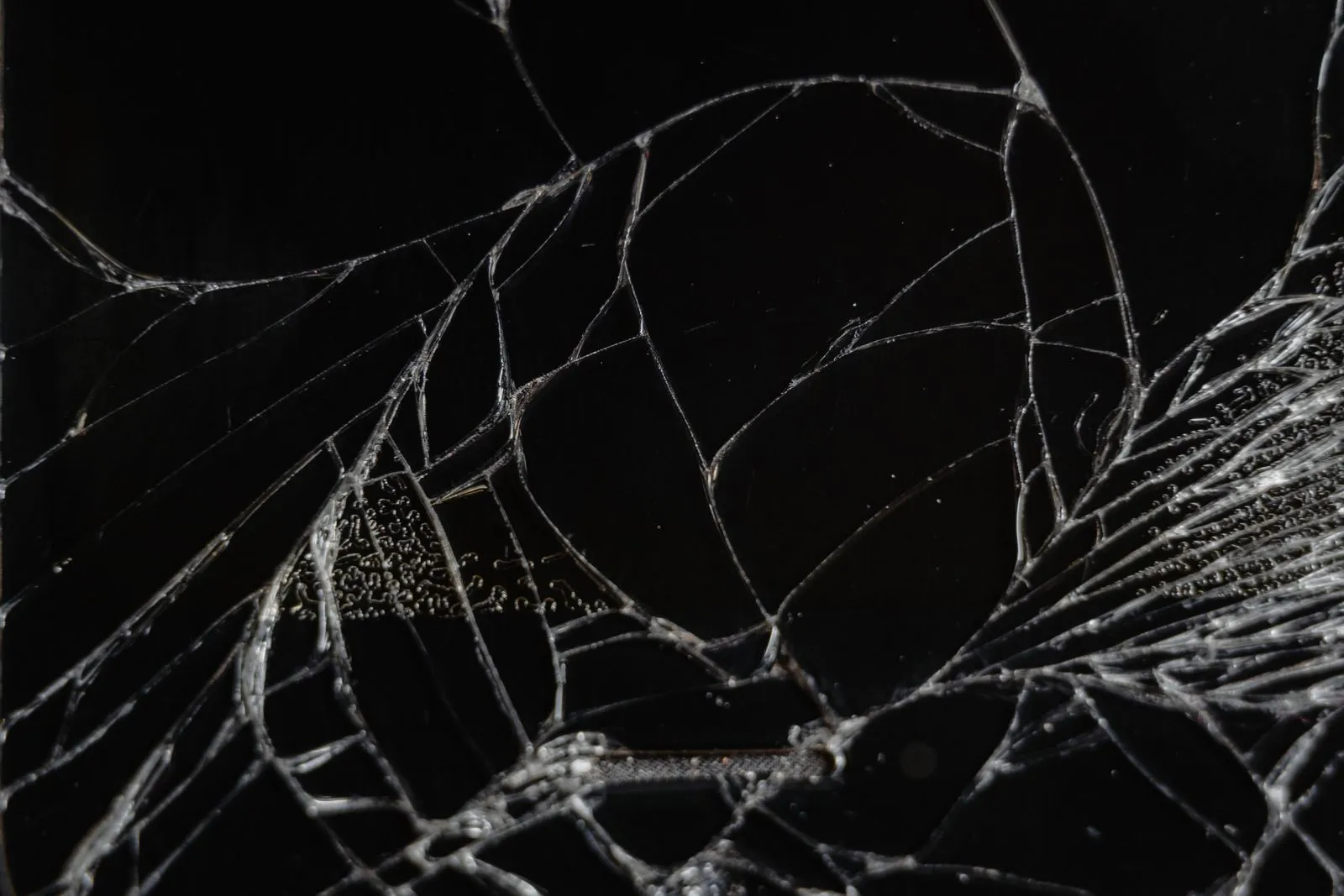
A damaged phone can contain important photos, messages, and files, but handling it the wrong way may make assessment harder. Before seeking recovery help, focus on safety, avoid actions that could change the device’s condition, and write down what happened. Clear notes and careful documentation help a technician understand the damage and choose appropriate next steps. You do not need to diagnose the problem yourself; accurate observations are more useful than guesses.
Handle the Phone Safely
If the phone is hot, swollen, leaking, smoking, or has a strong chemical smell, do not charge, power on, or handle it more than necessary. Keep it away from flammable materials and seek guidance from a qualified professional. A damaged lithium-ion battery can be hazardous, so do not press on the case, puncture it, or try to remove a battery that is not designed to come out.
For a phone that appears stable, avoid repeatedly pressing buttons or connecting it to a charger or computer to test it. If it is already off, leave it off. If it is on and behaving unpredictably, note its current state and ask a recovery professional what to do before changing it. Do not put a wet phone in rice or apply heat; these steps can complicate inspection and may not address internal moisture.
Record What Happened
Write down when and how the damage occurred, using the clearest details you remember. Note whether the phone was dropped, bent, exposed to liquid, or involved in another incident, and whether it was powered on at the time. Include any actions taken afterward, such as charging, restarting, drying, or attempting a repair. If you are unsure about a detail, label it as uncertain rather than presenting it as fact.
Document the phone’s visible condition without manipulating it. Take clear photos of the front, back, sides, charging port, and any visible cracks or liquid indicators, if you can do so safely. Record the make and model from the box, purchase records, or account information if available. Avoid posting identifying details publicly; keep photographs and notes for the technician.
Describe the Symptoms Clearly
List exactly what the phone does when you interact with it—or what it does not do. Useful observations include whether the screen lights up, shows an image, vibrates, makes sounds, or responds to touch. Note any warning messages, unusual heat, repeated restarts, or changes in behavior. Do not keep testing to gather more symptoms; report only what you have already observed.
Tell the technician which data matters most, such as photos, contacts, messages, or work files, and whether you have a recent backup. Mention whether the phone has a passcode or account lock, but do not send passwords through an unsecured message. If you know that a previous repair or recovery attempt took place, describe what was done and whether parts were replaced.
Prepare for the Assessment
Before bringing or shipping the phone, contact the recovery provider for handling and delivery instructions. Ask whether they need the device, its SIM card, or any accessories; do not remove parts unless instructed. If shipping is recommended, follow the provider’s packaging guidance and disclose battery damage or liquid exposure. Keep the device dry and protected from pressure, but do not seal a wet phone in an airtight container.
Bring your notes, photos, model information, and a list of priority files. Explain your goal plainly: for example, whether you want an assessment of recoverable data or help retrieving specific items. Birmingham Data Rescue can use these details to understand the device’s history before inspection. An assessment can establish possible next steps, but recovery is not guaranteed, so ask what the process involves before authorizing work.
A careful handoff starts with minimal handling, honest notes, and a clear description of the phone’s symptoms and the data you need. Avoid charging or testing a device that may be unsafe, and ask a recovery professional how to transport it. Contact a qualified recovery service to discuss the assessment before taking further action.