
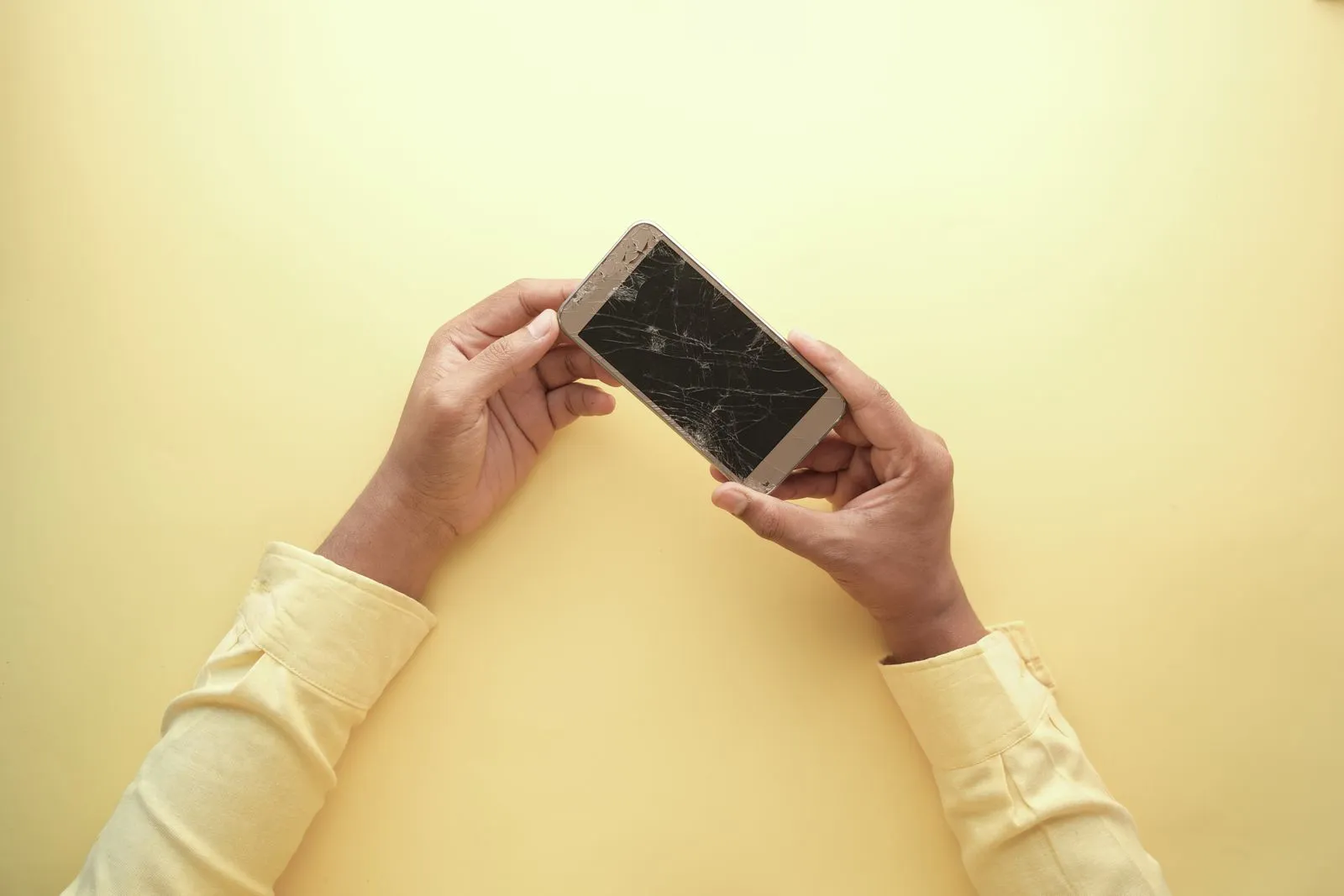
A phone exposed to water can suffer damage even if it looks normal or still responds. What you do next matters: electricity passing through wet components may cause additional damage, while heat or forceful drying can create other problems. Start by disconnecting power, turning the phone off if you can do so safely, and drying its exterior. Then arrange an assessment before trying to use it again, especially if the data matters.
Disconnect and Power Down
Remove the phone from the water and disconnect any cable or accessory. If it is on and responds normally, power it off. If the screen is unresponsive, the phone is unusually hot, or you see swelling, do not press buttons or handle it more than necessary. Keep it away from people and combustible materials, and seek professional guidance.
Do not connect a charger, computer, or other wired accessory. Charging a wet phone can send current through moisture inside the device. That may cause short circuits, corrosion, or further damage to components. A phone that appears to charge or operate after exposure is not necessarily dry internally.
Dry the Exterior Carefully
Remove the case and any easily removable SIM card tray, if you can do so without forcing it. Blot the outside with a clean, absorbent cloth. Hold the phone with openings facing downward so liquid can drain naturally, but do not shake it or push cloth, cotton swabs, or other objects into ports.
Avoid hair dryers, ovens, heaters, direct sunlight, and compressed air. Heat can damage the battery, display, seals, or internal parts; air pressure can push liquid deeper. Rice is not a reliable drying method and can leave dust or debris in ports. Keep the device at room temperature and follow the manufacturer’s instructions for your model.
Protect the Data and Device
Do not keep testing the screen, camera, speakers, or buttons. Repeatedly powering the phone on can increase electrical activity while moisture may remain inside. If it is already off, leave it off. If your data is backed up, check the backup from another device rather than turning on the wet phone to inspect files.
Make a note of when the exposure happened and what the phone contacted, such as fresh water, salt water, or a sugary drink. Different liquids can leave residues that continue to affect components. Do not attempt to open the phone unless you have the right tools and experience; batteries and delicate connectors can be damaged during an improvised repair.
Arrange an Assessment
Contact a qualified repair or data recovery professional and explain the exposure, the phone model, and whether it was powered or connected to a charger afterward. If photos, messages, or other files are the priority, say so before authorizing repairs. Data recovery and device repair are not always the same goal, so ask what steps are planned and whether they could affect stored data.
Keep the phone powered off and transport it in a dry, protective container. Do not assume a water-resistance rating guarantees protection; seals can wear, and ratings do not cover every liquid or situation. Birmingham Data Rescue handles damaged-phone data recovery in Birmingham, Alabama. Contact a provider promptly for model-specific next steps.
After water exposure, disconnect power, avoid charging or testing the phone, and dry only the exterior without heat or force. These steps may limit additional damage, but they cannot reverse liquid exposure. If the files are important, keep the device off and ask a qualified recovery professional to assess it before attempting to use it again.